30,000+ businesses & 3 million+ webinars delivered 10 million+ leads captured






If you are looking for reasons to choose WebinarNinja over YouTube Live, here’s a quick WebinarNinja vs. YouTube Live features comparison to help you decide with confidence before you commit to a platform.
Setup & reach
Registration & reminders
Lead capture
Webinar formats
Engagement tools
Q&A management
Branding & experience
Paid events
Audience control
Analytics
Integrations
Follow-up workflows
Cost
Fast to start and easy to share publicly, with strong built-in discovery.
No native registration or reminder funnel, so you rely on external pages and email tools.
Great for awareness, but viewer identity is usually unknown.
Best for live broadcasts, with replays saved as videos.
Live chat works well for casual interaction and community-style streams.
Questions can get buried in fast-moving chat.
Familiar YouTube interface, but it stays within YouTube’s look and potential distractions.
Possible with workarounds, but not built for ticketed webinars.
Open by default, and unlisted links offer limited privacy.
Offers video analytics like views, watch time, and audience retention.
Works inside the YouTube and Google ecosystem, but is limited to webinar funnels.
Follow-up is mostly manual unless you connect other tools yourself.
Free to use for streaming, with potential limitations like indirect costs if you add extra tools for registration and follow-up.
Fast setup too, plus a structured webinar flow built for sign-ups and attendance.
Built-in registration pages, confirmations, reminders, and follow-ups in one place.
Captures any attendee details at signup, so you can follow up with intent.
Live chat plus structured Q&A, polls, surveys, handouts, and clickable offers for active participation.
Dedicated Q&A makes questions easy to track and answer cleanly.
Fully branded pages and a focused webinar room that feels more professional.
Built for paid webinars with gated access and payment-friendly registration flows.
Controlled access with attendee management and private webinar workflows.
Webinar analytics like registrations, show-up rate, engagement, and conversion signals.
Integrates with CRMs and email tools, plus automation options for workflows.
Built-in, automated follow-ups based on registration, attendance, and engagement behavior.
FREE 14-day trial. Paid starts at $0.30/attendee/month (includes CourseNinja worth $1200).
Wish to run live, automated, or on-demand sessions to teach online, grow marketing, and increase your sales? Here are a few practical checks to decide which option truly fits your goals in a webinar platform vs. YouTube decision, beyond just going live.
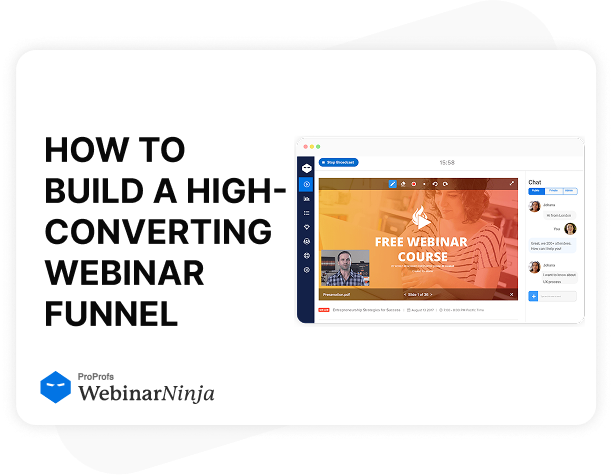
WebinarNinja gives you a complete webinar funnel that runs in one clean workflow. You set up registration, confirmations, reminders, and follow-ups without stitching tools together, unlike YouTube Live. That continuity keeps your audience moving forward and makes repeat webinars far easier to manage.
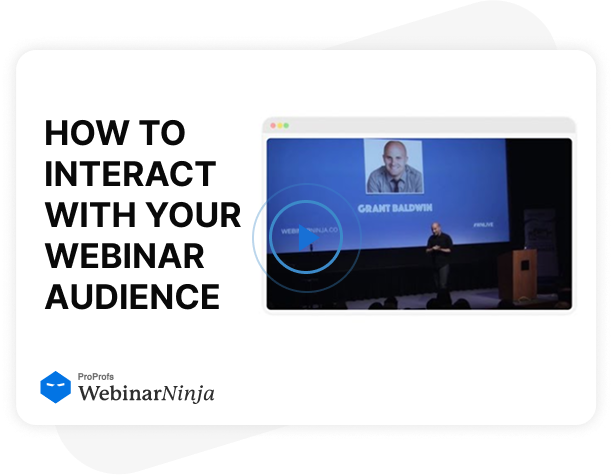
WebinarNinja is designed for sessions where people participate, not just watch. You can guide interaction through polls, Q&A, chat, and shared resources, which is hard to pull off with YouTube Live. As the room becomes more active, attention lasts longer and decisions happen faster.
WebinarNinja helps you present a focused experience that feels owned and consistent. Your pages, emails, and webinar room can follow your look and tone, unlike what you get on YouTube Live. When the environment feels premium and controlled, trust rises, and distractions drop.
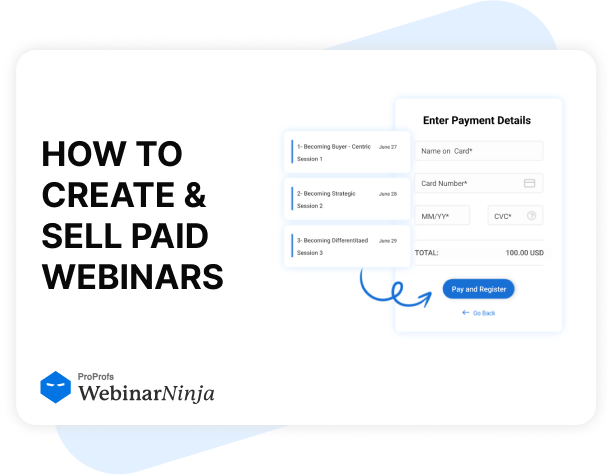
WebinarNinja supports paid sessions as a built-in flow, not a patchwork process. Payments, access, and entry can stay connected, unlike YouTube Live, where you often rely on external steps. That makes the buying experience smoother and keeps your content protected.
WebinarNinja connects webinars to the tools you already use, so your process stays consistent week after week. Registrations and attendee actions can flow into your CRM and email platform automatically, unlike YouTube Live. That saves hours and keeps follow-up sharp even when you scale.
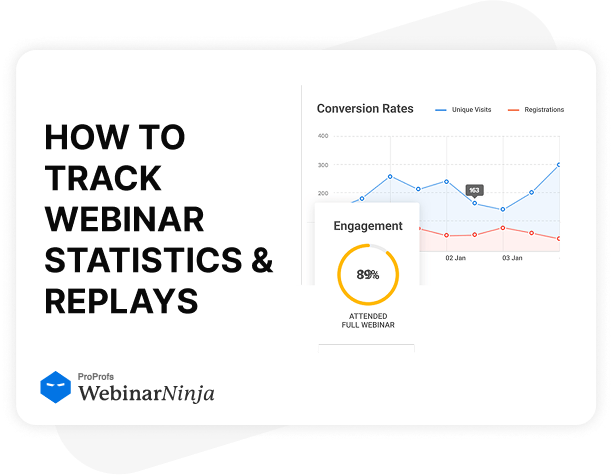
WebinarNinja gives you webinar-first analytics that map to outcomes, not just attention. You can track registrations, attendance, engagement, and next-step behavior, unlike YouTube Live’s broader viewing metrics. With that clarity, you improve faster and follow up with better timing.
If your sessions are meant to generate leads, grow sales, train and communicate with real consistency, WebinarNinja is the better option. It also lets you run a live webinar, automated webinar, webinar series, or hybrid webinars. Plus, you can run live courses, connect integrations, track reports & analytics, and share session recordings as part of a single webinar marketing flow.
So, while YouTube Live is good for broad awareness and free streaming, if your goal is conversions and leads, WebinarNinja is the clearer choice.

Join the FREE 30-day automated webinar challenge to build professional webinars quickly and effortlessly.
Access free, expert-led courses that help you sharpen your webinar hosting and follow-up skills.
Get 24/7 awesome customer support, with an extensive knowledge base and videos, whenever you require them.
Use proven templates for registration pages, emails, and reminders to save a lot of time and effort.