

Most webinars do not fail because the speaker was bad or the slides were ugly. They fail because the team never found the real break point.
You might have low registrations. Or solid registrations and poor attendance. Or a lively session that still produces no pipeline. Those are different problems, and they need different fixes.
So let us begin where most webinar articles do not.
Where Your Last Webinar Actually Broke
Before you plan your next webinar, diagnose the last one.
Use this quick table to find the bottleneck:
| What Happened | What It Usually Means | What to Fix First |
|---|---|---|
| Low registrations | The title and promise were too broad | Positioning |
| Good registrations, weak attendance | People were curious, not committed | Reminder flow and pre-webinar investment |
| Good attendance, weak engagement | The content was not built around a real pain point | Structure and examples |
| Good engagement, weak CTA clicks | The offer did not match the lesson | CTA alignment |
| Good CTA clicks, weak pipeline | The follow-up was too slow or too generic | Segmentation and routing |
Here is an example.
A B2B SaaS company runs a webinar called Webinar Best Practices for 2026. It gets 410 registrations. Only 126 people attend live. The chat is active. The team feels good. Then the CTA for a strategy call gets 11 clicks and produces only 1 qualified meeting.
That sounds like a CTA problem at first. It is not.
The real problem started much earlier. Its title attracted too many mixed-intent registrants. The session taught broad advice. The CTA offered a specific sales conversation. The journey did not connect.
That is the central idea of this guide. A webinar works when every part of it fits the next part.
To make that practical, I am going to use one example throughout this article so you can see the difference between vague advice and something you can actually use.
Before that, here’s a quick video you can watch to get a better idea of how to plan and conduct a successful webinar:
How to Create a Webinar Strategy
Let us say the company is a webinar platform selling to B2B marketing teams. The audience is demand generation managers at SaaS companies. Their problem is not “we need more webinars.” Their problem is this:
“We are getting registrations, but our webinars rarely turn into meetings, trials, or serious buying conversations.”
Now compare two versions of the same webinar idea.
Weak version
Topic: Webinar Strategy Best Practices
Audience: Marketers
Promise: Learn how to run better webinars
Sharper version
Topic: How Demand Gen Teams Turn Webinar Attendance Into Pipeline
Audience: Demand gen managers at B2B SaaS companies running at least one webinar per month
Promise: Leave with a live webinar structure, a segmented follow-up system, and a simple way to spot the funnel stage that is hurting conversions
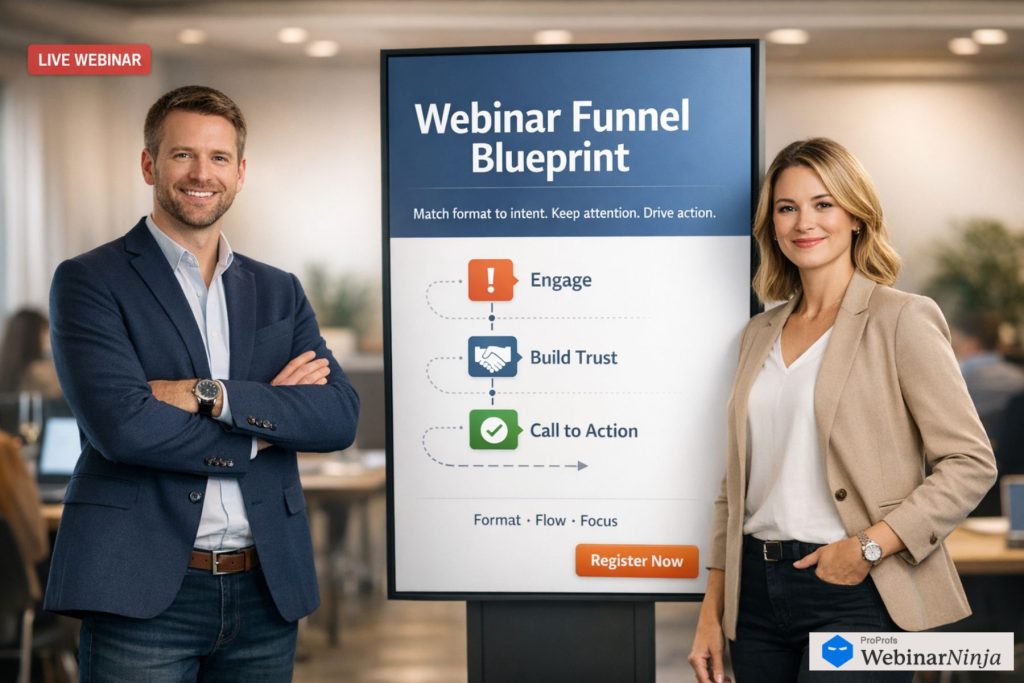
The second version does three things better.
It names a real buyer. It speaks to a current frustration. It promises an outcome someone can use right away.
That is where a useful webinar strategy begins.
Not with a definition. With a decision.
Write Your Audience, Pain, and Promise Before You Touch the Title
Most teams write the title first because it feels productive. It is usually the wrong move.
Write these three lines first.
Audience: Who is this for in their real working context?
Pain: What are they trying to fix this quarter?
Promise: What will they be able to do right after the webinar?
Here is the same exercise filled in badly and then filled in well.
Version 1
Audience: B2B marketers
Pain: They want webinar results
Promise: Learn how to improve webinar performance
This sounds acceptable until you try to promote it. Nobody sees themselves clearly enough to care.
If that first line still feels fuzzy, this guide to defining your webinar target audience will help you narrow it before you write anything else.
Version 2
Audience: Demand gen managers at mid-market SaaS companies whose webinars get registrations but have weak post-event conversion
Pain: They cannot tell whether the real issue is messaging, content, CTA, or follow-up, so every webinar feels like guesswork
Promise: By the end of the session, they will know how to diagnose the bottleneck, structure a stronger webinar, and send follow-ups by attendee intent
Now the topic almost writes itself.
That is usually the moment when stronger webinar titles start doing real conversion work instead of just sounding professional.
A generic title would be:
Webinar Strategy for 2026
A stronger title would be:
How Demand Gen Teams Fix Webinars That Get Signups but No Pipeline
What changed?
The stronger title names the audience indirectly, names the pain directly, and hints at a concrete result.
A simple test helps here. Read your title and ask:
Would the right person say, “This is my problem,” or would they say, “This is sort of relevant”?
The first reaction gets attention with intent. The second gets polite registrations.
Pick the Format by Asking One Question About Buyer Awareness
Do not choose your webinar format because it sounds dynamic or because your team likes panels.
Choose the webinar format that matches buyer awareness, not the one your team happens to like presenting. Choose it based on what the audience already understands.
Here is the decision tree I would use.
- If the audience knows the symptoms but does not yet understand the problem clearly, teach. A workshop is usually best because it helps them name the issue and understand the stakes.
- In case the audience knows the problem and is comparing ways to solve it, show proof. A case-study webinar or use-case demo often works better because they need evidence and confidence.
- If the audience already wants a solution but feels risk, reduce uncertainty. A customer story, implementation session, or live walkthrough can move them faster than a conceptual lesson.
Using our example, demand gen managers already know webinars matter. Their issue is performance and conversion.
So a teaching workshop with real examples is a better fit than a vague thought-leadership panel.
A weak format choice would be this:
Panel topic: The Future of Webinar Marketing
It sounds interesting, but it gives the audience almost nothing they can act on next Tuesday.
A better format choice would be this:
Workshop topic: How to Find the Real Conversion Bottleneck in Your Webinar Funnel
That format works because the audience is already problem-aware. They do not need inspiration first. They need a method.
If you want a quick rule, use this one.
If the audience cannot clearly name the problem, teach the problem.
If they can name the problem but doubt the solution, show proof.
If they believe the solution but fear the effort, show implementation.
Build the Registration Page Around One Clear Promise
Most webinar registration pages are too polite and too crowded. A stronger webinar registration page starts with the outcome, trims the filler, and makes the next step feel obvious.
They list speaker credentials, broad learning points, and vague benefits. What they rarely do is answer the one question that matters:
Why should I give you an hour of my calendar?
Here is a weak headline:
Join us for an insightful webinar on webinar strategy and performance
That headline is not wrong. It is simply empty.
Here is a stronger version built from the example above:
How Demand Gen Teams Fix Webinars That Get Signups but No Pipeline
Now add a subhead that answers what they will leave with:
In 45 minutes, you will learn how to diagnose where conversions are breaking, fix your webinar structure, and send follow-up emails based on attendee intent.
Notice the difference. It is not trying to sound important. It is trying to sound useful. If you want to pressure-test your draft, it helps to look at a few webinar landing page examples before you rewrite your own.
Then give three concrete takeaways, not five generic bullets.
For example:
- How to tell whether your webinar problem is registrations, attendance, content, CTA, or follow-up
- The 45-minute webinar structure that keeps attention without sounding scripted
- The exact follow-up emails to send to high-intent attendees, passive attendees, and no-shows
That is strong because each line points to an action or output.
You can also improve conversions by replacing vague speaker sections with a credibility sentence tied to the lesson.
Instead of:
Hosted by our marketing team
Write:
Hosted by a team that has run enough webinars to learn where the funnel usually breaks, and how to fix it without rebuilding the entire program.
Promote for Commitment, Not for Noise
A lot of webinar promotion looks busy and performs badly.
The team posts the same registration link four times, sends reminder emails that say nothing new, and then wonders why people register but do not attend.
Promotion works better when each touchpoint increases clarity or commitment.
Here is a practical sequence you can reuse. When this is planned well, it becomes a real webinar email sequence instead of a pile of disconnected reminders.
Four Weeks Out
Send the first email with a story or pattern.
Do not start with the webinar date. Start with the pain.
Example:
Subject: Why webinars with strong signups still fail to create a pipeline
Opening: We have seen a pattern across webinar teams lately. Registrations look healthy. Attendance is passable. The session itself even feels good. But the follow-up produces almost no serious buying conversations. In our next webinar, we are breaking down where that conversion path usually fails and how to fix it.
That email works because it names the problem before it asks for the registration.
Three Weeks Out
Post a tactical insight on LinkedIn or email a short lesson.
Give away a small, useful idea so people trust the bigger session.
Example:
Post angle: If your webinar gets signups but no pipeline, stop rewriting the CTA first. The real issue is usually one of four mismatches: title-to-audience, promise-to-content, content-to-CTA, or CTA-to-follow-up.
That content both teaches and sells the webinar.
One Week Out
Send a reminder that focuses on a common mistake.
Example:
Subject: The webinar mistake that quietly kills conversions
Opening: Many webinar teams think attendance is the main goal. It is not. Attendance without post-event movement creates a false sense of success. Next week, we will show you how to build a webinar that points clearly to the next step instead of ending as a nice event.
Immediately After Registration
Ask one pre-webinar question. Pair that question with a clean webinar confirmation email so the registrant knows exactly what happens next. This is one of the easiest upgrades you can make.
Use a question like:
What is the biggest thing breaking in your current webinar funnel right now?
Then add 3 to 4 answer choices:
- Low registrations
- Weak attendance
- Low engagement during the session
- Good engagement, weak pipeline after
This does two things.
It makes the registrant commit mentally. It also gives you language and segmentation before the webinar even starts.
A 45-Minute Live Structure That Prevents Drift
Most webinars lose people because the structure is loose, not because the topic is bad. A simple webinar script gives the session shape without making the speaker sound stiff.
Here is a 45-minute run-of-show you can copy.
| Time | What to Do | What It Sounds Like |
|---|---|---|
| 0:00 to 0:03 | Open with the promise and tell them how the session works | “In the next 45 minutes, you will learn how to find the real conversion leak in your webinar funnel and what to change first. We will cover diagnosis, structure, and follow-up. Drop your biggest webinar bottleneck in chat as we go.” |
| 0:03 to 0:08 | Name the problem in real language | “A lot of webinar teams are not dealing with a webinar problem. They are dealing with a mismatch problem. The message attracts one kind of registrant, the session serves another need, and the follow-up assumes a level of intent that was never built.” |
| 0:08 to 0:10 | Run a poll | “Which part of your webinar funnel feels weakest right now?” |
| 0:10 to 0:25 | Teach the framework with one worked example | Use one fictional company all the way through, not random bullet points |
| 0:25 to 0:33 | Show implementation steps | “Here is how to rewrite the title, tighten the CTA, and segment the follow-up in under a day” |
| 0:33 to 0:38 | Present the CTA | “If you want the worksheet and follow-up templates, here is the next step” |
| 0:38 to 0:45 | Answer questions and connect them back to the framework | Keep answers short and concrete |
You will notice something important here. The webinar is not built around topics. It is built around movement.
The attendee should feel they are being taken from confusion to clarity.
Here is an opening script you can lift and adapt.
Opening script
Welcome in. In the next 45 minutes, I am going to show you how to figure out why your webinars are not turning into pipeline, and which fixes matter first. We will cover the four conversion leaks that show up most often, a simple structure that keeps attention without feeling stiff, and the follow-up system we use to separate curious attendees from serious buyers. As we go, drop in chat, which part of your webinar funnel feels weakest right now?
That is better than a long company intro because it earns the audience’s attention immediately instead of spending the first minute on a company bio.
Teach Through One Example, Not Through Abstract Tips
This is where most webinar content goes flat.
The speaker gives solid advice, but the advice comes in isolated bullets, so the audience understands each point and remembers none of it.
Instead, carry one example from start to finish.
Let us continue with our fictional company.
They first planned this webinar:
Original title: Webinar Strategy Best Practices for 2026
Original CTA: Book a demo
The follow-up: Same replay email to everyone
Now watch what happens when they tighten each piece.
Revised title: How Demand Gen Teams Fix Webinars That Get Signups but No Pipeline
Revised CTA: Get the webinar conversion worksheet and a 15-minute funnel review
The follow-up: One email for high-intent attendees, one for engaged learners, one for no-shows
The lesson becomes more believable because the audience can see the before and after.
If you teach a framework, do it the same way.
Do not say, “Make your CTA relevant.”
Show them this.
Weak CTA: Book a product demo
Why it struggles: The webinar taught a strategy. The offer suddenly asks for a buying conversation.
Better CTA: Get the worksheet we used today and book a 15-minute review of your current webinar funnel
Why it works: It feels like the next helpful step from the lesson they just received. That is what a strong webinar CTA is supposed to do.
That kind of side-by-side contrast teaches faster than explanation alone.
Make the Live Session Interactive in Ways That Help the Follow-Up
Many teams treat engagement as decoration. A poll here. A chat prompt there. But engagement should do double duty. It works much better when you build interactive webinars that keep attention high and also improve your follow-up segmentation.
It should keep attention now and improve conversion later.
For example, this poll is not just engagement.
It is segmentation.
Poll: Which part of your webinar funnel feels weakest?
If someone answers good registrations, weak attendance, your follow-up can point them toward reminder tactics and commitment devices.
If someone answers good engagement, weak pipeline, your follow-up can focus on CTA alignment and sales routing.
Here are three chat prompts that actually help:
Prompt 1: What is the title of the last webinar you ran?
This gives you real examples to react to live.
Prompt 2: Where do you think your current webinar funnel breaks?
This creates self-diagnosis.
Prompt 3: What next step do you usually ask for after the webinar?
This exposes the CTA mismatch in the room.
Those prompts matter because they make the session feel personal without turning it into chaos.
How to Plan Follow-Up Emails Before You Go Live
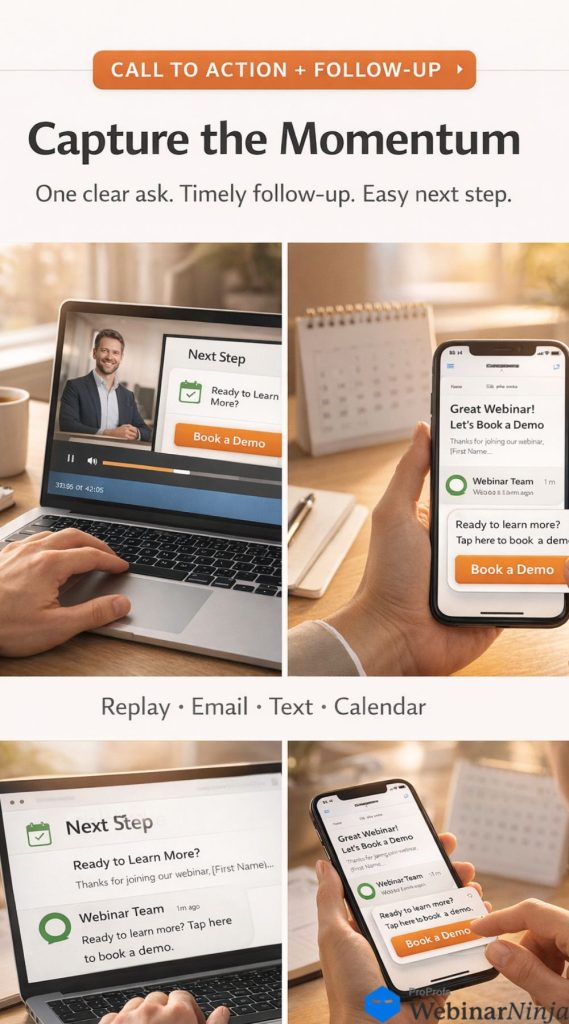
This is one of the biggest upgrades you can make.
Do not wait until the webinar is over to decide what to send. Write the emails in advance. If you want more angles and structures, this guide to webinar follow-up email strategy is a useful companion.
1) High-Intent Attendees
These are people who attended live, stayed engaged, asked questions, or clicked your CTA.
Subject: Your next step from today’s webinar
Hi [First Name],
Thanks for joining the session today.
You mentioned that your team is seeing [insert issue if known, such as strong signups but weak attendance]. Based on that, the most useful next step is to review your current webinar funnel and find the point where interest is dropping.
Here is the worksheet we used in the webinar: [link]
If you want, you can also book a 15-minute funnel review here: [link]
We can look at your title, structure, CTA, and follow-up and tell you which fix is most likely to move results first.
Best,
[Name]
Why this works: It sounds like help, not pressure.
2) Engaged Attendees Who Did Not Click the CTA
Subject: Replay + the worksheet from today’s webinar
Hi [First Name],
Thanks for joining us today.
Here is the replay: [link]
The section I would recommend revisiting starts at [timestamp]. That is where we walk through the difference between a webinar that creates attention and one that creates action.
And here is the worksheet we promised: [link]
A good place to start is page 2, where you score your webinar across registrations, attendance, engagement, CTA, and follow-up.
Best,
[Name]
Why this works: It gives one clear starting point instead of asking for too much.
3) Low-Engagement Attendees
Subject: In case you had to jump early
Hi [First Name],
If you had to leave the webinar early, here is the one idea worth taking with you:
Most webinar teams do not have a traffic problem. They have a mismatch problem. The title attracts one expectation, the content serves another, and the CTA asks for a step the webinar did not earn.
Here is the replay if you want the full breakdown: [link]
Best,
[Name]
Why this works: It respects their time and still delivers value.
4) No-Shows
Subject: Sorry we missed you. Here is the replay.
Hi [First Name],
You registered for today’s webinar, but I know calendars get messy.
Here is the replay: [link]
If you only watch one part, start at [timestamp]. That is where we show how to tell whether your webinar issue is low intent, weak structure, or generic follow-up.
Best,
[Name]
Why this works: It removes guilt and makes the replay easier to consume.
Now, if you are looking for an expert view on webinar emails, this video is recorded just for you:
How to Track Webinar Reports & Metrics
Teams often drown in webinar metrics because they never decided what success actually meant.
Start by deciding your webinar goals, then choose a few numbers that prove whether you actually hit them.
Then let the numbers underneath explain it.
For a pipeline webinar, I would use this setup.
| Goal | Main Metric | Supporting Metrics |
| Generate pipeline | Meetings booked within 7 days | CTA clicks, high-intent attendee count, response rate to follow-up |
Now imagine this result:
- 300 registrations
- 110 live attendees
- 41 people stayed past minute 30
- 18 clicked the CTA
- 7 booked a funnel review
- 3 became qualified opportunities
That tells a much richer story than “the webinar went well.”
It tells you the offer had enough relevance to earn clicks, the live session held enough attention to keep 41 people engaged late, and the follow-up was strong enough to turn some of that interest into meetings.
Now imagine this instead:
- 300 registrations
- 110 live attendees
- 41 stayed past minute 30
- 4 clicked the CTA
Now the likely problem is not promotion or delivery. It is an offer alignment.
Metrics only become useful when they help you decide what to change next. What matters most is having clean webinar reports that show where attention, clicks, and intent begin to separate.
After each webinar, log these four things in one simple document:
- Which questions came up more than once
- Which moment in the webinar got the strongest engagement
- Where attention started to drop
- Which objections surfaced during Q and A
That document will improve your next webinar faster than a complicated dashboard.
Turn One Webinar Into Assets People Will Keep Coming Back To
A strong webinar should not disappear after the live event. This is where repurposing webinar content stops being a nice idea and becomes a repeatable post-event workflow.
It should become a small content system.
Here is a practical repurposing order.
First, publish a replay page with timestamps. That one step does a lot of heavy lifting when you want to turn a live session into useful on-demand webinars.
Do not just upload the full video and walk away.
Give people a way to jump to the section they need.
Example:
- 04:10 How to tell where your webinar funnel is breaking
- 11:20 Weak vs strong webinar titles
- 19:40 The 45-minute webinar structure
- 29:15 Follow-up emails by intent
- 37:00 The CTA that fits the lesson
Second, turn the best teaching section into a recap article.
That article should not summarize the entire webinar. It should solve one problem clearly.
For example:
Recap post idea: Why webinar signups do not matter if your CTA does not match the lesson
Third, cut 3 to 5 short clips.
Each clip should hold one self-contained insight.
Examples:
- Why a broad webinar title attracts the wrong kind of registrant
- The easiest poll question to improve webinar follow-up
- Why most webinar CTAs feel too early
Fourth, create a one-page sales note from the Q and A.
List the most common objections and the clearest answers.
That makes the webinar useful internally too.
When you do this well, the webinar stops being a date on the calendar and becomes a reusable asset library.
Your Next 48 Hours: What to Do in Order
If this article gave you useful ideas, but you still do not know where to start, do these steps in order.
Today:
- Pull up the last webinar you ran and diagnose the main bottleneck. Was it registrations, attendance, engagement, CTA clicks, or follow-up?
- Rewrite your audience, pain, and promise in three specific lines.
- Write a sharper title that names a real problem instead of a broad topic.
- Choose the webinar format based on awareness level, not preference.
Tomorrow:
- Rewrite your registration page headline and subhead so the promise is obvious.
- Add one pre-webinar question to the confirmation flow.
- Draft the 45-minute run-of-show with one poll and two chat prompts.
- Write all four follow-up emails before the webinar goes live.
- Decide on your main metric and the three supporting numbers you will review afterward.
That is the point where a webinar stops being content and starts becoming a system.If you want to run that system without juggling landing pages, reminders, live delivery, and replay hosting across multiple tools, WebinarNinja is a practical option. It suits teams that want a cleaner way to execute webinars consistently, especially when repeatability matters as much as the event itself.
Want to host a webinar for free?
Use WebinarNinja to teach, improve marketing, and grow your sales.